How to Tell If a Photo Is AI-Generated: 7 Signs to Look For
aimagedetector.ai Team · July 14, 2026 · Updated August 23, 2026 · 4 min read
AI-generated images have gotten good enough that spotting them by eye is no longer a reliable skill — even for people who think they're good at it.
A 2025 study out of Lancaster University and UC Berkeley found that people frequently fail to distinguish AI-generated faces from real ones, and confidence in their own judgment often doesn't match their actual accuracy. A separate experiment asking participants to sort real photos from AI-generated ones found an average accuracy of just 53.76% — barely above a coin flip.
That doesn't mean looking closely is pointless. It means the old advice — "just look for six fingers" — stopped being enough a while ago. Here's what's actually still worth checking, and where the limits are.
1. Hands, fingers, and teeth
This is the most well-known tell, and it's still worth checking first — but it's becoming less reliable. Early diffusion models struggled badly with hand anatomy: extra or missing fingers, fingers that bend at impossible angles, hands fused together. Newer models have mostly fixed this in normal poses, but complex hand positions — interlocked fingers, hands holding small objects, hands partially behind other objects — still trip up most generators.
Teeth follow a similar pattern: look for teeth that are too uniform, too numerous, or that blur together without clear individual boundaries.
2. Eyes and reflections
Eyes are one of the harder things for AI models to get consistently right, especially across both eyes in the same image. Look for:
- 1Mismatched pupils. Pupils that are slightly different shapes or sizes between the two eyes.
- 2Reflections that don't match. Real eyes reflect the same light source (catchlights) in both eyes, in roughly the same position — AI-generated eyes often don't.
- 3Painted-on eyelashes or eyebrows. Look for lashes and brows that look painted on rather than individually rendered.
3. Text and lettering
Signage, labels, book spines, license plates, and clothing text are still a weak point for most generators. AI-generated text often looks like real lettering from a distance but dissolves into meaningless squiggles or repeated characters up close. If a photo includes any readable text in the background, zoom in — it's one of the more reliable tells that remains.
4. Background and edge inconsistencies
Look at where objects meet each other, especially where a person or object meets the background. Common issues:
- 1Warped or melting straight lines. Door frames, window edges, and horizons that bend near the edges of the frame.
- 2Objects that blend into each other. No clear boundary where one thing ends and another begins.
- 3Patterns that don't quite line up. Brick, tile, or fabric that repeats in a way that's subtly off.
5. Skin texture and lighting
AI-generated skin often looks slightly too smooth, too evenly lit, or has an airbrushed quality that doesn't match the rest of the scene. Pay attention to whether shadows on a person's face and body are consistent with a single, believable light source — inconsistent shadow direction is a common artifact, especially in group photos where each person may be lit slightly differently.
6. Repeating or "too perfect" patterns
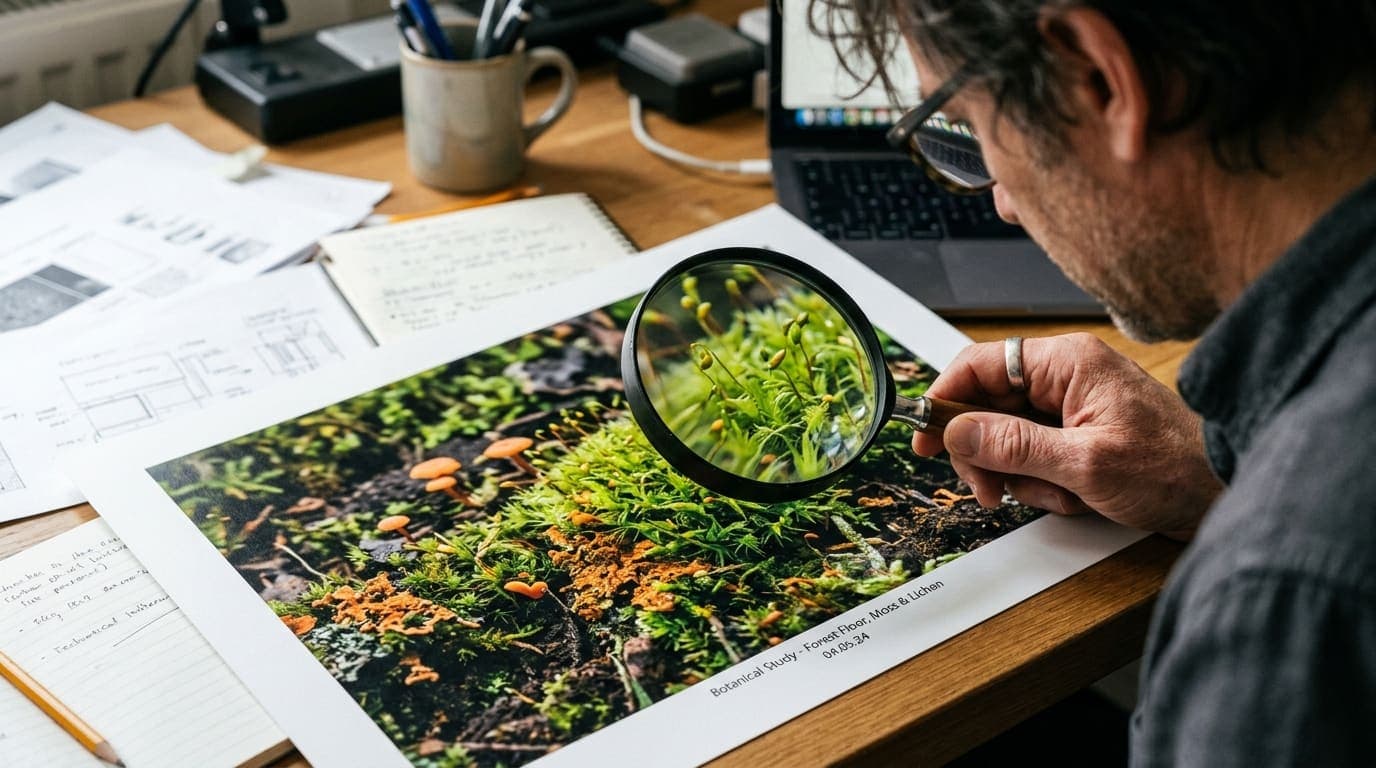
Grass, leaves, hair strands, and fabric textures are generated statistically rather than drawn individually, which can produce patterns that are almost too regular — a texture that should be random (like grass or hair) that instead has a subtle repeating quality when you look closely.
7. Metadata and provenance signals
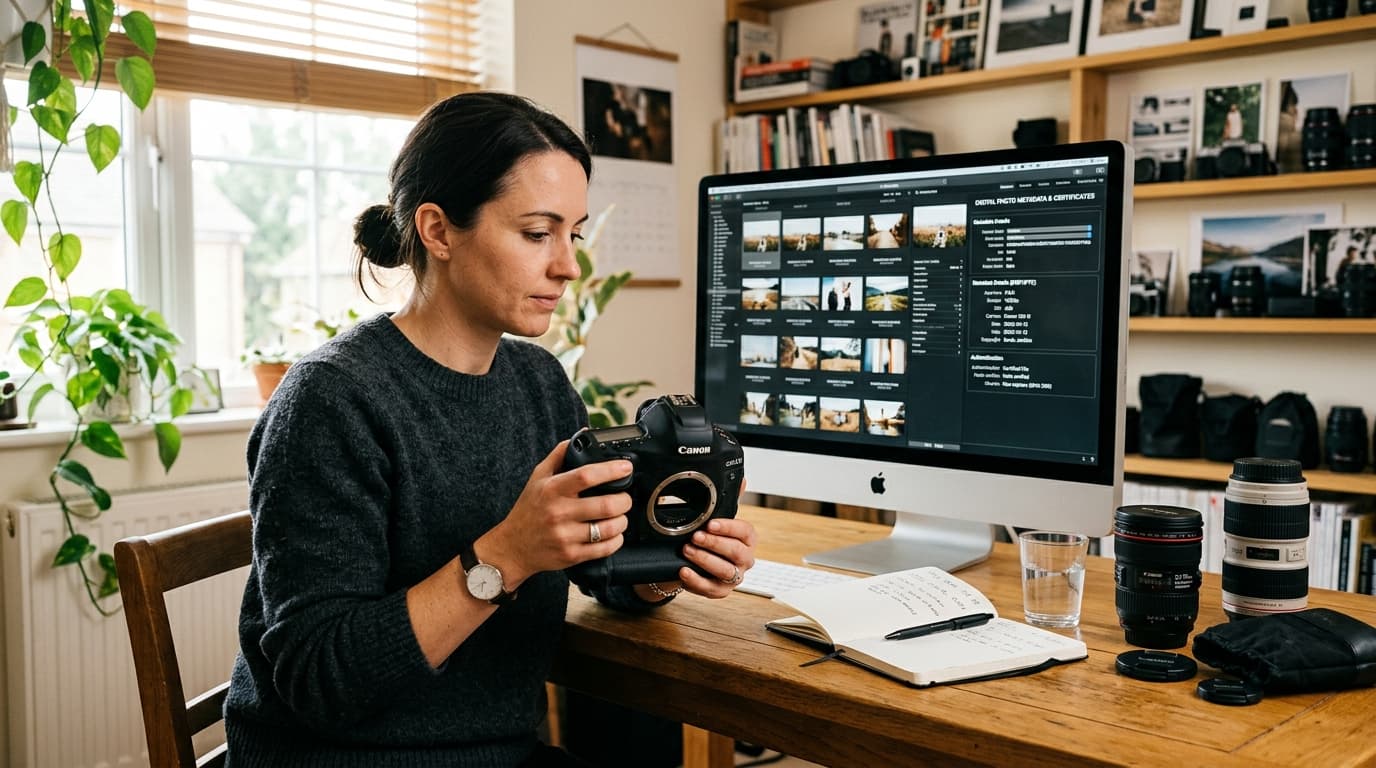
Unlike the visual signs above, this one isn't about looking at the image — it's about what's attached to the file. Some platforms now embed C2PA Content Credentials, a metadata standard that records whether an image was created or edited with AI tools. When present, this is a much stronger signal than any visual inspection, because it isn't guesswork — it's a declared record.
The catch: metadata is easy to strip, and most images shared on social media or messaging apps lose it automatically. Its absence doesn't prove an image is AI-generated — it just means you don't have that signal to rely on.
Why visual inspection alone isn't enough anymore
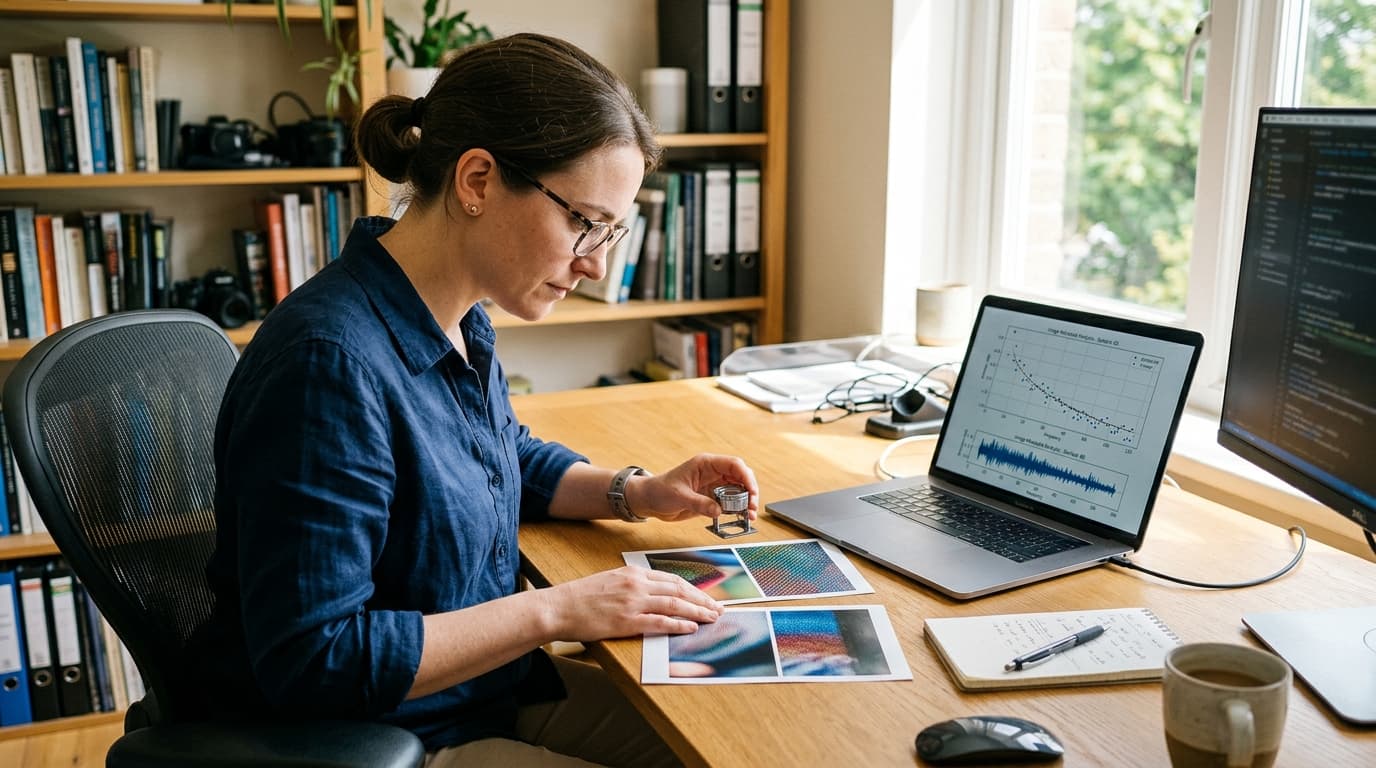
Each of these signs is a real, useful thing to check — but none of them, alone or combined, is reliable enough to bet on for anything that matters. The research bears this out: accuracy rates in recent studies asking people to sort real from AI-generated images have landed anywhere from the low 50s to the low 70s (percent), depending on the images and the participants — good enough to sometimes catch an obvious fake, not good enough to trust for verifying a photo before you publish, approve, or act on it.
That gap is exactly why detection tools exist. Instead of relying on a handful of visual heuristics, an AI image detector runs an image through multiple independent forensic checks at once — pixel-level frequency analysis, provenance metadata, and model-specific pattern matching — and gives you a confidence score instead of a guess.
No detector is 100% accurate either. But combining a few of the checks above with an actual detection pass gets you meaningfully closer to a real answer than either one alone.
For a closer look at exactly where detection can fall short, see can AI image detectors be fooled?
Have a photo you're not sure about? Check it with our free AI image detector — no signup required.
Check it with our free AI image detector →